Introducing updated Transaction Analysis – Powering up your AP game
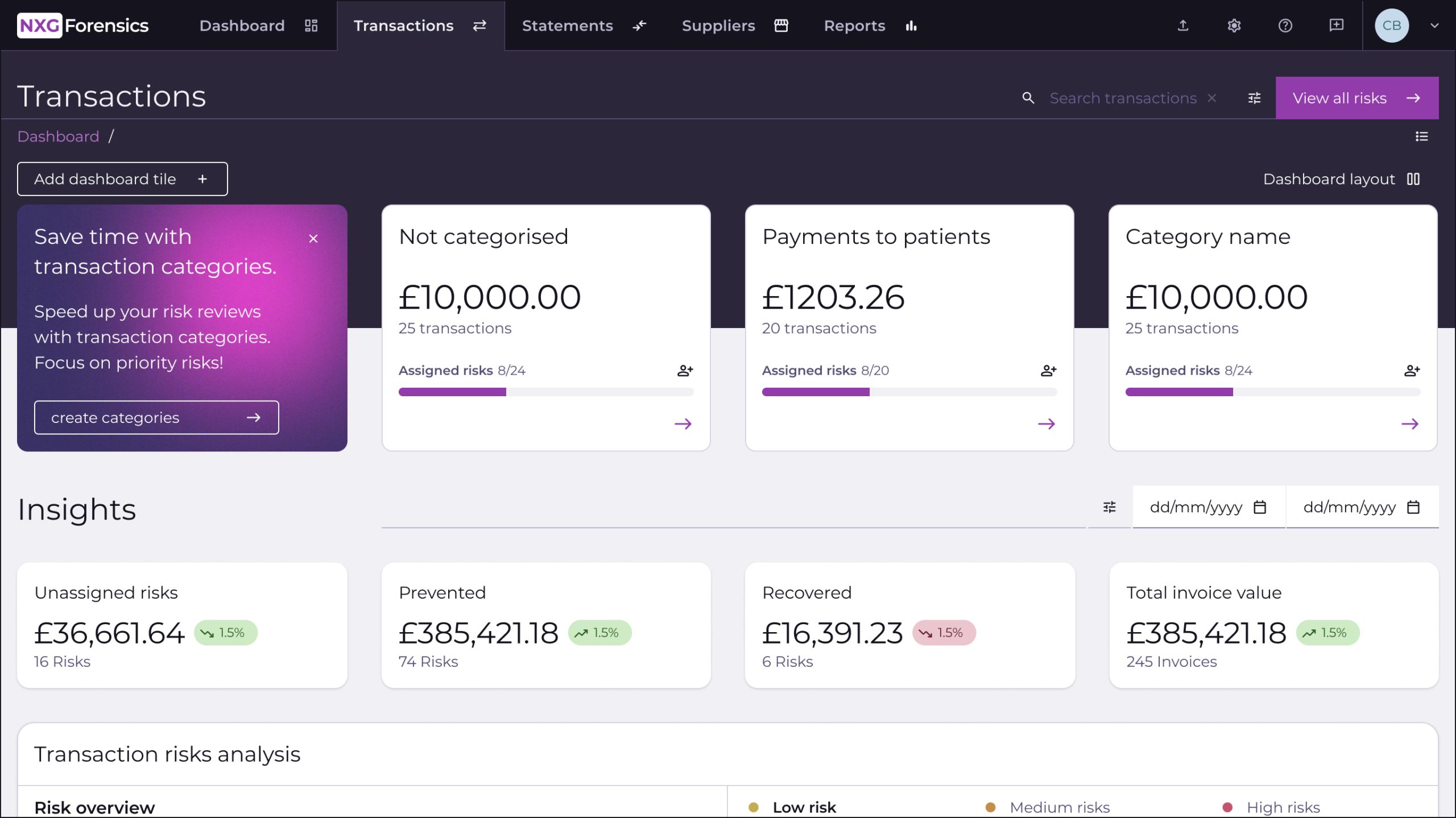
We know that every finance team works differently, that all transactions are not equal, and that you want to prioritise what you look at, and when. We also know that depends on your process. Now, our software is giving you the power to prioritise, categorise and take bulk actions on the risks we show, so you can work smarter.
Here’s what’s new:
Transaction Categories
You can now set categories to segment your risks further, according to your individual needs. You create rules-based groups of transactions by supplier, invoice amount, number or currency, payment type and status, PO number, authoriser, and more. Your categories can include multiple rules and groups for specificity. You also have the option to create categories which can be excluded from your risk feed.
For example, you could create a category for invoice amounts higher than £100,000 for a senior member of staff to double check. Alternatively, you may like to create an exclusion category for penny tests after supplier onboarding. Perhaps even a category just for internal transactions, or expenses.
This allows you to prioritise your work or exclude particular risks from the risk list. You could, for example, create a list featuring particular suppliers, when the invoice value is below £100 and assign that a ‘look at this later’ category. This allows you to prioritise the invoices with a higher value first for those companies and come back to the others at another time, flexing your workload to suit your needs.
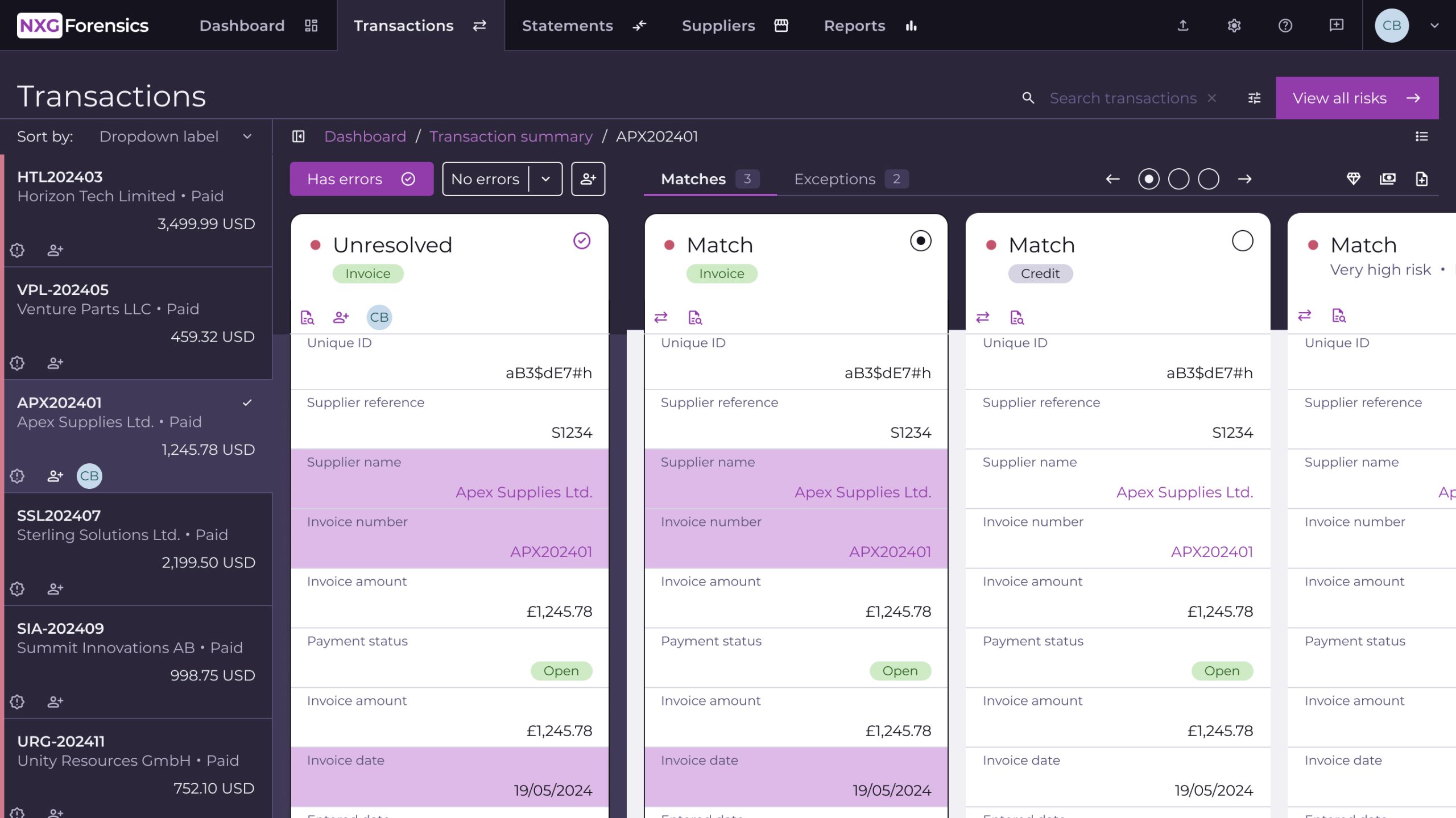
Transaction Summary View
Toggle between summary view and detail view. Summary view is more like a spreadsheet, enabling you to skim through your risk list, and complete bulk actions easily. Detail view is our default view, showing the details of your transactions, so you can see where the risks lie and what action needs to be taken.
Bulk Actions
In list view, you can use bulk actions to save time and do more at once. It enables assignment to users, export or dismissal at scale.

 Transaction risk intelligence
 Automated supplier statement reconciliation
 Supplier risk intelligence
 Managed AP recovery audit
 Supplier file performance review
 Forensic risk analysis
 Consulting and bespoke reporting